
In the era of momentary attention spans, animations keep audiences awake for a few extra seconds compared to static images. As a presenter, you should know how to take advantage of this. Here are a few tip and an example of an award-winning presentation build on GIFs.
In 2022, I wont a “Best Talk” award at Australian Evolution Society conference in 2022. Many people approached me after the talk asking which program did I use to put together my animations, but it was simply a bunch of carefully arranged GIFs. Check out my annotated PowerPoint so that you can see how that presentation was put together.
Quick tips for using GIFs
- Countless free GIFs can be found on giphy.com. You can edit GIFs or make your own ones from images using ezgif.com.
- Some GIFs have a transparent background, which allows to easily integrate them to any page. These GIFs are called “Stickers”.
- You can easily turn a video (or its section) into a GIF using ezgif.com.
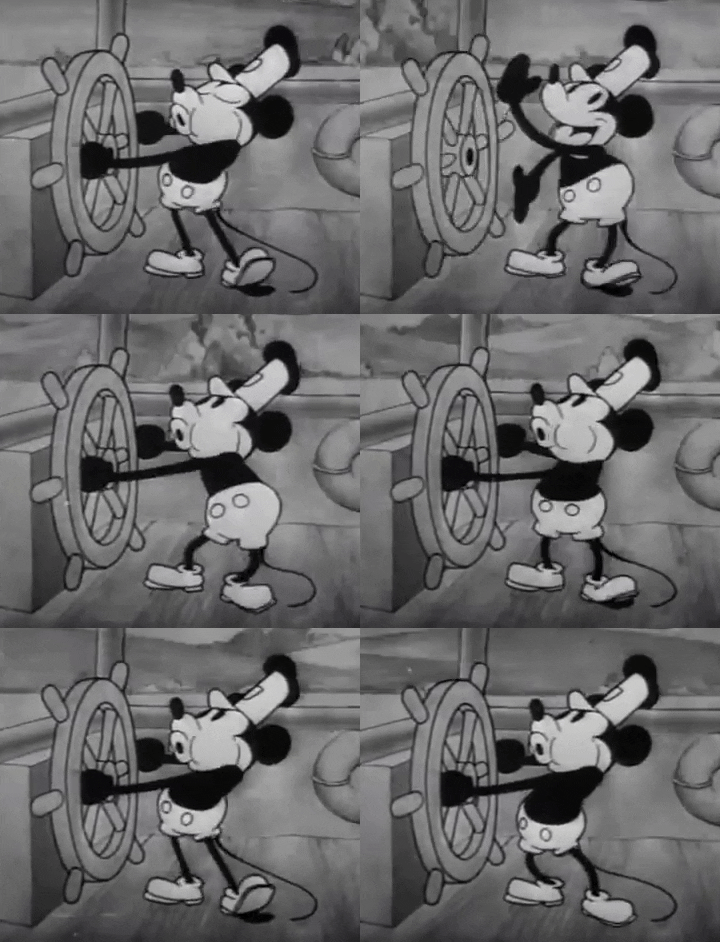

A full sized GIF vs a GIF with transparent background
- GIFs have a much smaller file size than videos, allowing you to include dozens of them on your PowerPoint or PDF.
- GIFs are looped, meaning they never stop ‘playing’, unlike videos.
- GIFs tend to cause a lot less lag than videos during online meetings and complex conference setups.
- You can use GIFs to display changes in data over time, 3-D visualizations, molecular processes, spatial data, and more.
- Alternatively, use GIFs as decorations that draw audience’s attention and break the monotony.
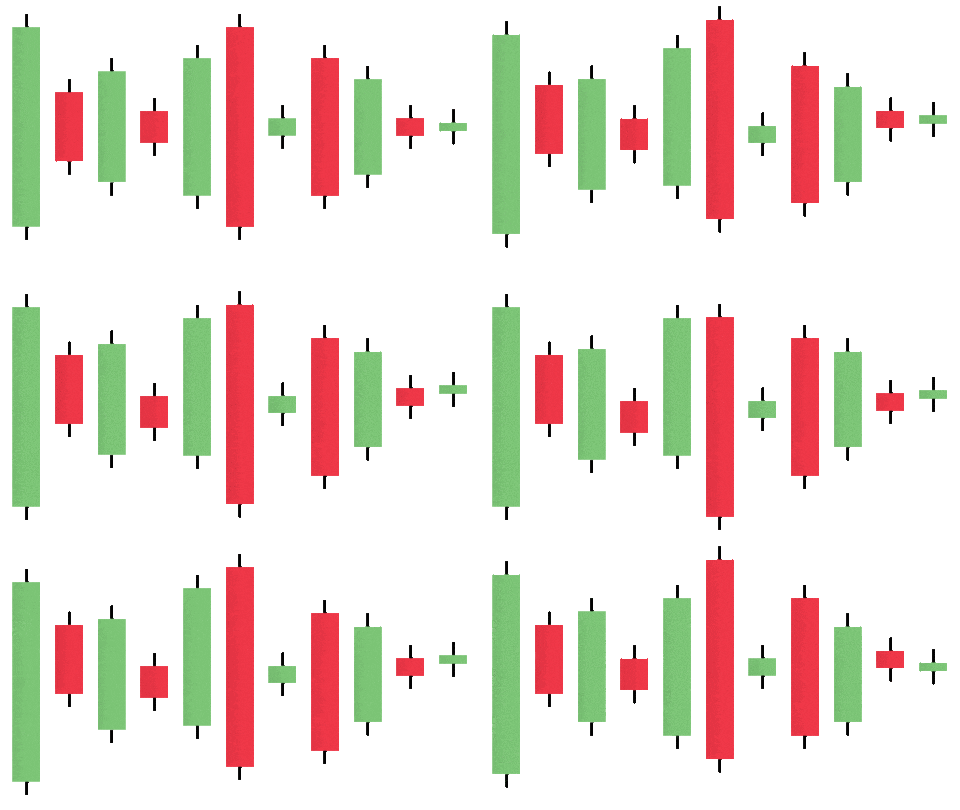
GIFs do have some disadvantages…
- GIFs are heavily compressed, which means their resolution is quite poor.
- GIFs have no audio.
- If you need a very specific GIF, you might one find what you are looking for. Keep in mind that you can make a GIF out of a video or a series of images, but that can be time consuming.
- GIFs can be viewed as unprofessional. Make sure you know your target audience.
- Just like images, GIFs are subject to copyright. Make sure you know your rights and give credit where credit is due.






 COGNI·IVAN